Choose Your Calendar Book Design
Select any template to launch the Exclusive Studio. Customize each month individually or apply global themes across all 12 months for 2026, 2027, or 2028.
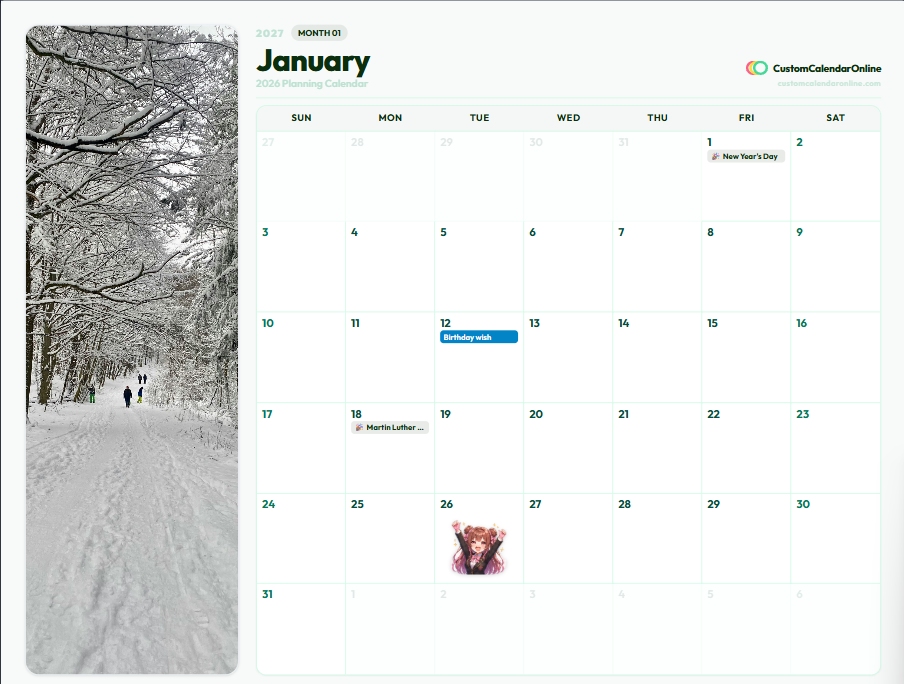
Nordic Botanical Side-Photo
12 Months + Hyperlinked Cover
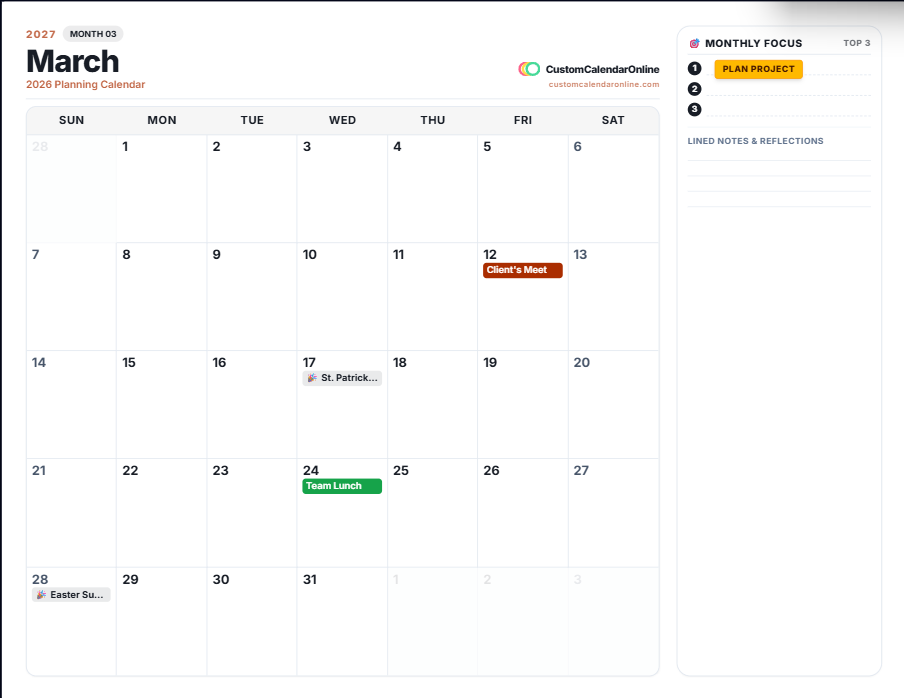
Executive Split-Notes & Goals
12 Months + Hyperlinked Cover
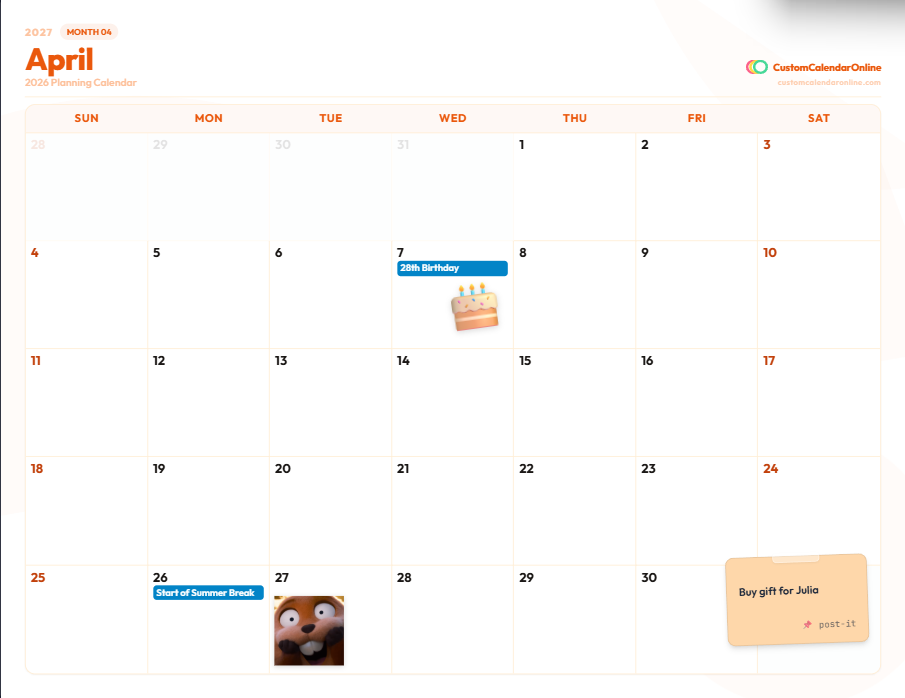
Aesthetic Pastel Shape-Art
12 Months + Hyperlinked Cover
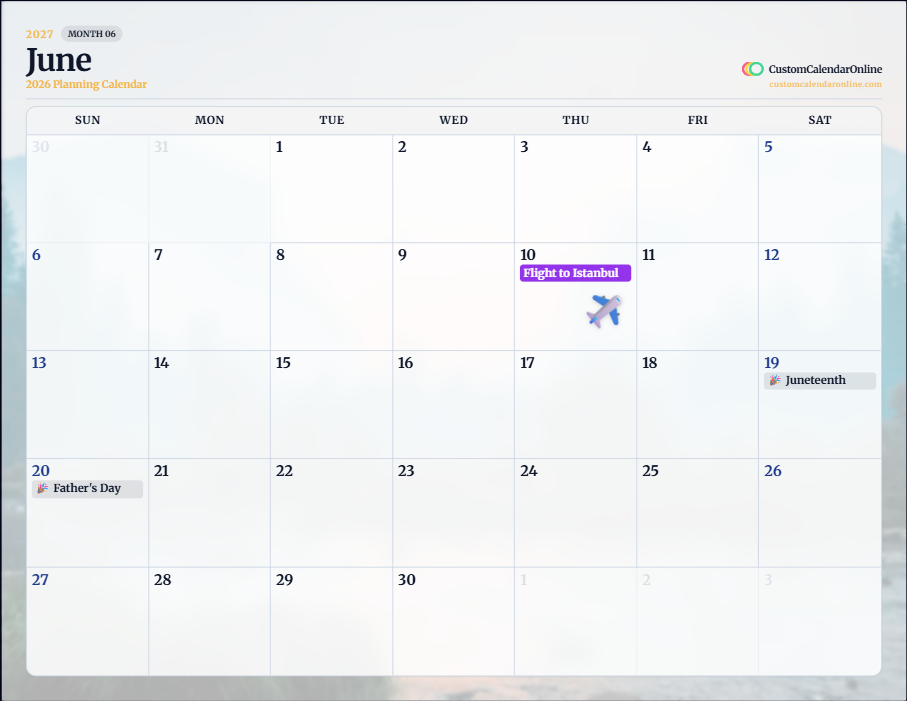
Full-Bleed Photographic Glass
12 Months + Hyperlinked Cover
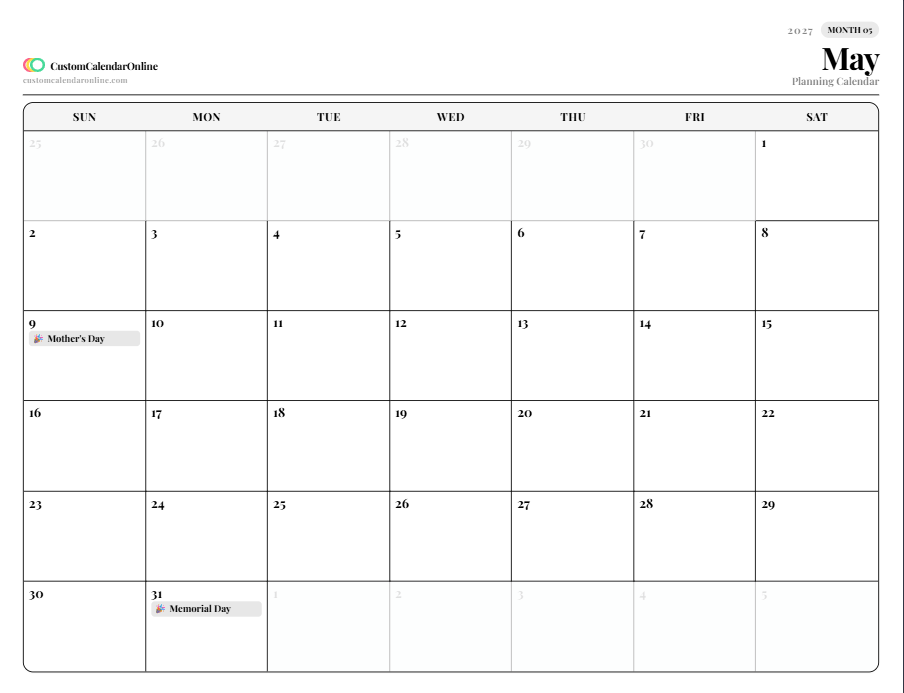
Minimalist Clean Serif
12 Months + Hyperlinked Cover
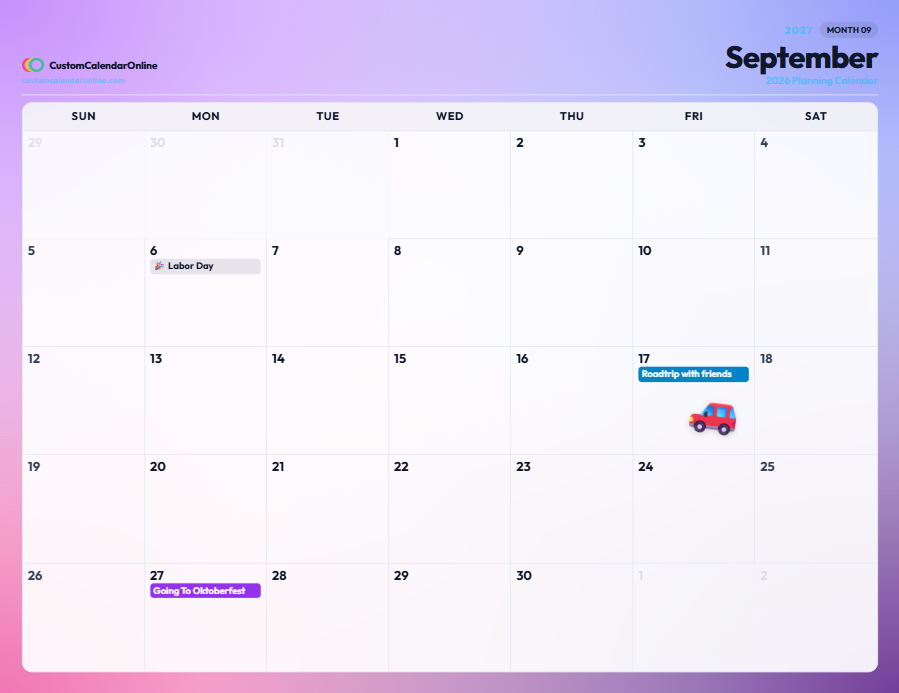
Vibrant Sunset Gradient Mesh
12 Months + Hyperlinked Cover
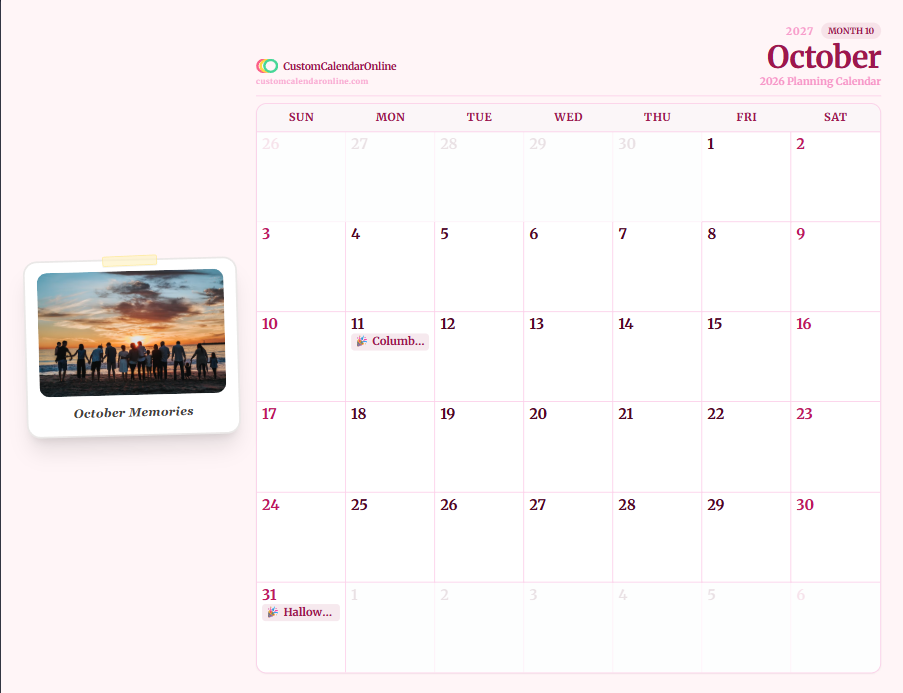
Vintage Polaroid Keepsake
12 Months + Hyperlinked Cover
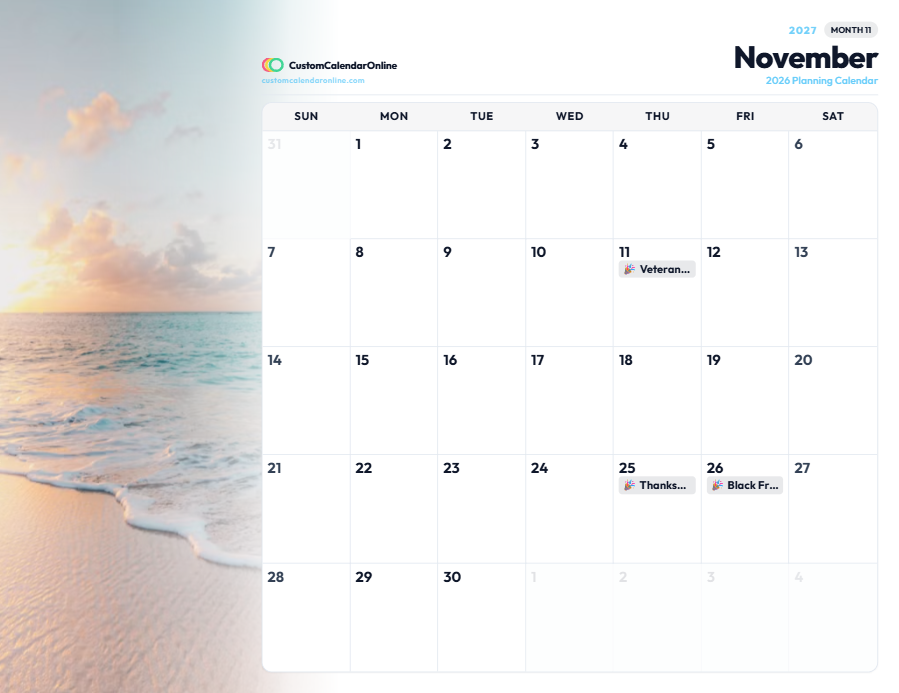
Soft Image Fade Vignette
12 Months + Hyperlinked Cover
Built for Print & Digital Tablet Planners
Whether you print a spiral-bound wall calendar or write with Apple Pencil in GoodNotes, the Exclusive Calendar Book is engineered for perfection.
Hyperlinked Navigation
Every month name on the cover and index links directly to its calendar page. Tap in GoodNotes or Notability to jump instantly.
12 Individual Themes
Give each month its own distinct personality. Autumn warm palettes for October, winter indigo for January, and spring sage for April.
Personal Photos & Stickers
Upload personal high-res photos with Polaroid frames or full bleed. Place scalable sticky post-it notes and custom PNG stickers anywhere.
300 DPI Vector PDF
Clean razor-sharp vector line rendering optimized for US Letter and A4 printing with zero pixelation at any scale.
How the Calendar Book Studio Works
Three simple steps to craft and download your custom 12-month book without creating an account.
Select Template & Year
Pick from 8 curated book presets or customize paper size (US Letter / A4) and orientation for 2026, 2027, or 2028.
Personalize Every Month
Click through Jan–Dec using the sticky month strip. Add birthdays, drop colored sticky post-its, and change theme colors per month.
Export Hyperlinked PDF
Click download to watch the multi-page rendering engine generate each page with live progress, compiling an instant 300 DPI PDF book.
Frequently Asked Questions (FAQ)
Everything you need to know about creating, customizing, and printing your custom calendars online for 2026 & 2027.
1How to make a custom calendar?
Creation & Setup
How to make a custom calendar?
Creation & SetupTo make a custom calendar, select a template (monthly, bi-monthly, weekly planner, yearly poster, or countdown tracker) on CustomCalendarOnline.com, customize your layout by setting the year (2026 or 2027), choosing your week start day (Sunday or Monday), adding personal photos and country holidays, and clicking Download PDF for an instant print-ready 300 DPI vector file.
2What is the best custom online calendar?
Comparison
What is the best custom online calendar?
ComparisonCustomCalendarOnline.com is the best custom online calendar maker because it provides a frictionless, 100% free web studio with instant 300 DPI vector PDF exports. It supports custom photo headers, multi-month layouts, lunar moon phase tracking, international holiday databases (US, UK, CA, AU, DE, IN, etc.), and native compatibility with iPad digital planning apps like GoodNotes and Notability—all with zero watermarks and no sign-up required.
3How to make custom photo calendar online 2027?
2027 Calendars
How to make custom photo calendar online 2027?
2027 CalendarsTo make a custom photo calendar online for 2027:
- Open the CustomCalendarOnline Studio and select 2027 as your target year.
- Choose your preferred layout (single month, bi-monthly, or full 12-month yearly poster).
- Click Upload Photo to insert your favorite family, vacation, pet, or business pictures into the header canvas with zoom and alignment tools.
- Customize typography, color palettes, and country-specific holiday markers.
- Click Download PDF to export your 2027 photo calendar in high-resolution 300 DPI ready for printing or digital use.
4How to create a custom calendar online?
Creation & Setup
How to create a custom calendar online?
Creation & SetupCreating a custom calendar online takes less than two minutes: choose a pre-designed calendar template from our library, personalize the date range, grid styles, and font typography, customize with your own photos or stickers, and download your customized calendar instantly as a print-ready 300 DPI PDF or PNG file without registering an account.
5Where to create a custom photo calendar online?
Studio & Tools
Where to create a custom photo calendar online?
Studio & ToolsYou can create a custom photo calendar online directly at CustomCalendarOnline.com/studio. The interactive web studio allows you to upload high-resolution photos into monthly, weekly, or yearly templates and download print-ready 300 DPI vector PDFs for free without installing any software.
6Where to create a custom photo calendar?
Studio & Tools
Where to create a custom photo calendar?
Studio & ToolsYou can create a custom photo calendar for free on CustomCalendarOnline.com from any desktop computer, tablet, or smartphone browser. It features a drag-and-drop photo uploader, customizable layout scaling, automatic lunar phase calculations, and vector PDF exports that you can print at home or at local print shops like FedEx Office, Staples, or Walgreens.
7How to make custom calendar?
Creation & Setup
How to make custom calendar?
Creation & SetupTo make a custom calendar:
- Step 1: Select your template style (monthly grid, weekly habit planner, yearly wall poster, or countdown tracker).
- Step 2: Set your parameters (year, starting month, holiday region, Sunday or Monday week start).
- Step 3: Personalize with photo headers, custom notes, color palettes, and event markers.
- Step 4: Download your 300 DPI vector PDF and print at 100% scale on letter or A4 paper.
8Where can i make a custom calendar?
Studio & Tools
Where can i make a custom calendar?
Studio & ToolsYou can make a custom calendar for free at CustomCalendarOnline.com from any device. The platform provides intuitive monthly, weekly, yearly, and event countdown generators with instant 300 DPI PDF downloads, zero sign-up requirements, and no watermarks.
9Where to print a custom calendar?
Printing & Paper
Where to print a custom calendar?
Printing & PaperYou can print your custom calendar in several ways:
- At Home or Office: Print the downloaded 300 DPI PDF on standard US Letter or A4 paper using heavyweight matte paper (28–32 lb bond) for crisp lines without ink bleed. Select Actual Size (100% scale) in printer settings.
- At Local Copy Centers: Take or upload the PDF to FedEx Office, Staples, Office Depot, UPS Store, or Walgreens for high-quality cardstock prints (65–100 lb) or spiral-bound booklet options.
- Online Printing Services: Upload the vector PDF to online photo printers for framed prints, canvas mounts, or laminated wall posters.
10What is the easiest calendar maker?
Comparison
What is the easiest calendar maker?
ComparisonCustomCalendarOnline is widely considered the easiest calendar maker because it operates entirely in your web browser with zero registration, clean visual controls, instant live canvas previews, one-click photo uploading, and pre-configured international holidays. You can design, customize, and export a ready-to-print 300 DPI custom calendar in under 60 seconds.
11What is the best free online calendar maker?
Comparison
What is the best free online calendar maker?
ComparisonThe best free online calendar maker is CustomCalendarOnline.com. Unlike other tools that lock high-resolution downloads behind paywalls or add intrusive watermarks, CustomCalendarOnline provides 100% free unlimited 300 DPI vector PDF exports, full photo personalization, 2026/2027 year support, weekly time-blockers, countdowns, and full compatibility with iPad stylus apps like GoodNotes.
12How to create a multi month calendar online?
Multi-Month Layouts
How to create a multi month calendar online?
Multi-Month LayoutsTo create a multi-month calendar on a single sheet:
- Navigate to the Multi-Month Calendar Studio.
- Choose your multi-month span: Bi-Monthly (2 consecutive months), Quarterly (3 months with Q1, Q2, Q3, or Q4 presets), or Half-Year (6 months for H1 or H2).
- For Bi-Monthly views, select between Side-by-Side (landscape) or Stacked (portrait) arrangements.
- Customize start dates, toggle official country holidays and custom event badges, adjust typography, and add a bottom goals/notes strip.
- Click Download PDF to export an ultra-sharp 300 DPI multi-month planner sheet ready for print or digital tablets.
13How to customize calendar themes and colors?
Themes & Colors
How to customize calendar themes and colors?
Themes & ColorsCustomizing colors and themes on CustomCalendarOnline is simple and granular:
- 15+ Curated Designer Themes: Choose from categorized palettes including Editorial (Editorial Ink, Signature Coral, Vintage Cream, Honey Amber, Espresso Mocha, Nordic Plum), Nature (Nordic Forest, Japanese Matcha, Botanical Sage, Terracotta Boho), Dark (Midnight Navy, Cyberpunk Neon), Pastel (Sunset Peach, Rose Gold Blush, Lavender Bloom), and Minimal (Black & White Clean, Modern Slate, Arctic Ice).
- 10-Point Custom Palette Creator: Switch to 'Custom Theme' to adjust every element independently—primary accents, secondary badges, canvas background, header fill, header text, day cell borders, day numbers, weekend highlights, today marker, and notes card background.
- 1-Click Palette Cloning: Click 'Clone to Custom' on any curated preset to use it as a starting baseline and refine your own hex values.
14What fonts and typography styles are available for custom calendars?
Typography & Fonts
What fonts and typography styles are available for custom calendars?
Typography & FontsCustomCalendarOnline provides 16 premium Google Fonts categorized into four distinct design aesthetics:
- Modern Sans-Serif: Outfit (clean modern editorial), Inter (neutral precision), Plus Jakarta Sans (geometric elegance), Montserrat (bold contemporary), and Poppins (friendly rounded).
- Classic & Editorial Serif: Playfair Display (high-fashion editorial), Merriweather (literary readability), Cormorant Garamond (luxury vogue), Lora (contemporary book serif), and Cinzel (classical Roman capitals).
- Cursive & Handwritten Script: Caveat (warm natural handwriting), Dancing Script (flowing calligraphy), and Pacifico (casual brush script).
- Clean Monospace & Futuristic Display: JetBrains Mono (developer/minimalist clean), Space Mono (retro typewriter), and Space Grotesk (modern tech display).
You can also fine-tune date font sizes and header alignments (left, center, right) in real time.
15How to add stickers and icons to a custom calendar?
Stickers & Customization
How to add stickers and icons to a custom calendar?
Stickers & CustomizationYou can decorate and personalize your calendar grid with over 60 planner stickers and icons directly inside the studio:
- Open the Stickers panel in the Studio sidebar.
- Browse through sticker packs: Milestones & Celebrations (🎂, 🎉, 💍, ✈️, 🎄), Work & Study (💻, 📚, 📝, 🎯, ⏰), Health & Fitness (🏃, 🥗, 🧘, 💧, 💊), and Weather & Seasons (☀️, ❄️, 🍁, 🌸).
- Click or drag any sticker onto your calendar canvas to place it.
- Resize, reposition, or remove stickers freely with responsive drag-and-drop handles before exporting to PDF.
16Can i print a bi monthly or quarterly calendar on a single page?
Multi-Month Layouts
Can i print a bi monthly or quarterly calendar on a single page?
Multi-Month LayoutsYes! CustomCalendarOnline is engineered with zero-overlap responsive scaling algorithms that perfectly format Bi-Monthly (2 months), Quarterly (3 months), or Half-Year (6 months) calendars onto a single standard US Letter (8.5 × 11 in) or A4 sheet. Day cells automatically balance date numbers, holiday titles, and event markers without any text collision, giving you an ultra-clean executive overview for desk pads and wall bulletin boards.
Ready to create your personalized calendar?
Open our live design studio now — no sign-up required, 100% free 300 DPI exports.